This My Gaming Cafe guide covers how the game works, how to grow your cafe fast, and how it differs from other Roblox cafe titles — it’s a gaming-PC tycoon, not a barista sim.
My Gaming Cafe at a Glance
- Developer: Public WIFI (Roblox group).
- Genre: Simulation / incremental tycoon — you build and grow a gaming cafe.
- Platform: Roblox (PC, mobile, console).
- Released: 14 May 2026, with a “HUGE UPDATE” live as of the latest patch.
- Players right now: ~9,000 concurrent, over 9.25 million total visits, and a standout ~98.6% likes rating.
- The hook: run your own gaming cafe — unbox PC parts, serve customers, and reinvest the profits to unlock new floors and upgrades.
What Is My Gaming Cafe?
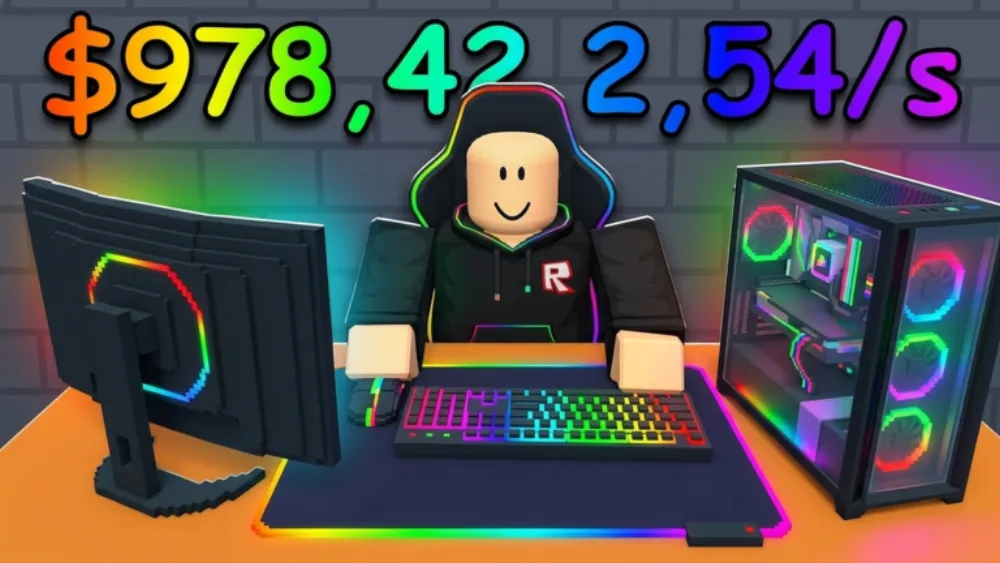
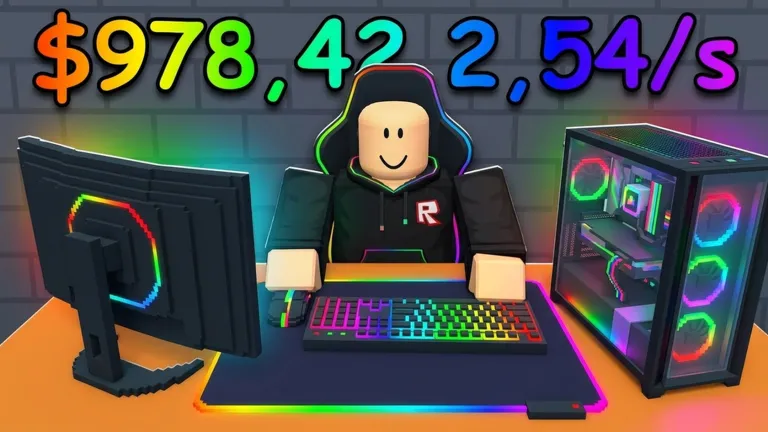
My Gaming Cafe is a Roblox tycoon-style simulator where you build, staff, and expand a gaming cafe from a small setup into a multi-floor operation. The core fantasy isn’t pouring coffee — it’s about gaming PCs. You unbox computer parts, set up rigs, serve a steady stream of customers, and pour the earnings back into bigger and better hardware.
This is worth stressing because the name trips people up: My Gaming Cafe is not a coffee shop game. Search results mix it in with My Cafe Tycoon, My Coffee Shop, Coffee Shop Tycoon, and Work At A Cafe — all different Roblox titles. If you came here for a barista sim, this is the PC-cafe one made by Public WIFI. That mix-up is exactly why its ~98.6% rating and 9-million-plus visits can get buried under unrelated cafe games.
Core Gameplay & Mechanics
My Gaming Cafe runs on a classic incremental loop:
- Serve customers who come in to use your gaming setups — each served customer pays out.
- Unbox PC parts to upgrade and expand your rigs, which lets you handle more (and higher-paying) customers.
- Reinvest your earnings into better hardware, more stations, and new floors.
- Unlock floors and upgrades to scale the cafe up — the bigger your operation, the faster the income compounds.
Because it’s incremental, early progress is hands-on and later progress is about smart reinvestment. The satisfying part is watching a cramped starter room turn into a sprawling multi-floor cafe humming with customers.
Modes & Features
- Build & decorate — lay out and customize your cafe as it grows.
- PC part unboxing — the upgrade hook; better parts mean better rigs and more income.
- Floor & upgrade unlocks — long-term progression that keeps the loop going.
- Group rewards — joining the developer’s group and liking the game unlocks exclusive in-game rewards.
- Active updates — a major update is already live, and the developer is shipping more.
How to Play My Gaming Cafe
My Gaming Cafe is free to play on Roblox — just open it from the game page on PC, mobile, or console. There’s no separate download beyond the Roblox app. The controls are simple by design: you move around your cafe, interact with stations and customers to serve them, and use the menu to buy upgrades, unbox parts, and unlock new floors. Like most incremental sims, the depth is in what you upgrade and when, not in twitch mechanics.
Tips for Growing Your Cafe Fast
- Reinvest immediately. Don’t sit on cash — every bit funneled back into rigs and stations speeds up your income curve.
- Prioritize capacity. Upgrades that let you serve more customers at once usually out-earn cosmetic buys early on.
- Push for the next floor. Floor unlocks are big step-changes in earning potential; treat them as milestones to save toward.
- Join the group and like the game. It’s the intended way to claim the exclusive rewards the developer hands out.
Upgrade priority in My Gaming Cafe
The upgrade choices in My Gaming Cafe have a clear optimal order — spending early income in the wrong direction slows your income curve, while the right sequence compounds it quickly.
First: station capacity. Adding a second or third gaming rig is the highest-return early purchase. Each additional station multiplies how many customers you can serve per wave — the jump from one to two stations roughly doubles per-wave income. Do this before upgrading rig quality, because capacity is the multiplier that amplifies every quality improvement you make afterward.
Second: rig quality (PC parts). Once you have multiple stations running, upgrade the parts in each rig. Better hardware attracts higher-paying customers — the same service time earns more per head. Because the improvement applies to every station you already have, the value of each quality upgrade is greater the more stations you have already built. Waiting until you have two or three stations before buying quality makes each purchase worth significantly more.
Third: floor unlock. Floor unlocks are the biggest step-changes in the game — each new floor adds a whole tier of stations that stacks on top of your current operation. Treat each floor unlock as a savings milestone. Once you’re within reach of one, stop buying incremental station or quality upgrades and push for the unlock — the income jump from the new floor outweighs any marginal gain from additional ground-floor capacity.
What to defer: Cosmetic upgrades (lighting, decor, table skins) have no effect on customer throughput or earnings. Group membership and game-like rewards unlock exclusive items but pay nothing toward production. Leave both for after your multi-floor operation is running smoothly — every early-game coin spent on cosmetics is a coin not reaching your next floor unlock.
Who Should Play My Gaming Cafe?
If you like tycoon and incremental games — the kind where you start tiny and watch an empire compound — this one’s an easy fit, and its ~98.6% rating across 9 million-plus visits says the loop genuinely satisfies. It’s especially good for players who enjoy build-and-decorate management over fast reflexes, and for anyone who likes a free Roblox game they can dip into, make visible progress, and come back to as it updates. The gaming-cafe theme also lands well with players who, well, game — running a virtual version of the place you’d hang out at has an obvious pull. For players who want more of that same build-and-compound energy, Pickaxe Tycoon is another 2026 Roblox tycoon hitting the same satisfy-and-reinvest loop — swapping the gaming-cafe setting for an ore-mining tower where you merge pickaxes to climb tiers and unlock rarer ores. For a lighter idle-business sim with a timing skill layer — blend snow cone flavors, hit the Perfect window, and sell for multiplied cash offline — Snowcone Stand (guide) is another top-rated 2026 Roblox business sim with a 97% approval rating running the same reinvest-to-expand loop. The Take Pets guide covers a different 2026 take on the genre — a grab-and-grow base builder where the real compound lever is timing your restart cycles to lock in higher baseline multipliers, rather than expanding floor space.
Why My Gaming Cafe Took Off
Hitting 9 million-plus visits and a ~98.6% likes rating in under a month is a strong showing in Roblox’s crowded tycoon category, and a few things explain it. The gaming-cafe theme resonates with Roblox’s audience almost by definition — these are players running a virtual version of the gaming space they’d actually use. The incremental loop is tuned to give frequent, visible wins, so a session always ends with the cafe a little bigger than it started. And the developer is actively shipping content, with a major update already live, which keeps returning players from hitting a ceiling. Put together, that’s an accessible hook, a satisfying progression curve, and momentum — the recipe behind the early numbers.
Frequently Asked Questions
Use this My Gaming Cafe guide’s FAQ to quickly find answers to the most common questions about the game.
Does My Gaming Cafe have codes?
The game’s current rewards come from joining the developer’s group and liking the game rather than a public redeem-code box. If My Gaming Cafe adds working codes, we’ll list the verified ones here with redeem steps — we don’t publish codes we can’t confirm in-game.
Is My Gaming Cafe a coffee shop game?
No — it’s a gaming cafe (PCs and gaming rigs), not a coffee or barista sim. It’s frequently confused with My Cafe Tycoon, My Coffee Shop, and Coffee Shop Tycoon, which are separate Roblox games.
How do you get rewards in My Gaming Cafe?
By joining the developer’s Roblox group and liking the game — the description calls these out as the way to unlock exclusive in-game rewards.
What do you actually do in My Gaming Cafe?
You run a gaming cafe: serve customers at your gaming PCs, unbox and install better parts, decorate the space, and reinvest your earnings to unlock new floors and upgrades as your cafe grows.
Is My Gaming Cafe free?
Yes. It’s free to play on Roblox — you only need a Roblox account and the app on PC, mobile, or console.
![[CURSED] Anime Astral Simulator Tier List cover](/article-covers/anime-astral-simulator-tier-list.webp)