Clean the Supermarket! Roblox guide, this page covers how the cleaning simulation loop works, the best early upgrades, tips for progressing fast, and everything new players need to know about this trending Roblox cleaning sim. Updated June 2026.
What Is Clean the Supermarket?
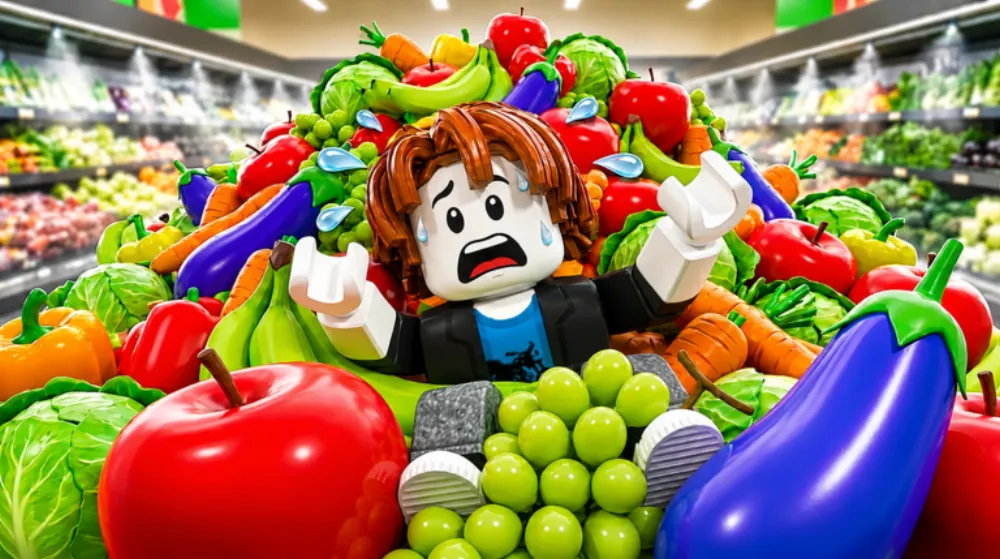
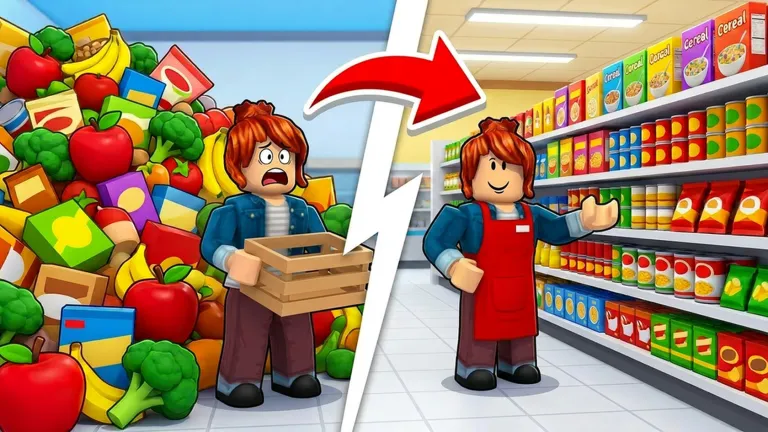
Clean the Supermarket! is a Roblox cleaning simulation game that launched in mid-June 2026 and quickly built to over 19,700 concurrent players, a strong debut for a cleaning-genre title. The concept is immediate: you arrive at a filthy supermarket and your job is to restore it to spotless condition using mops, cleaning sprays, and vacuum equipment. Earn coins for every mess you clear, reinvest in faster tools, and unlock new sections of the store.
The appeal of cleaning games on Roblox is their satisfying visual feedback loop, watching a grimy floor turn clean in real time hits differently from abstract number-climbing. Clean the Supermarket! leans into that with a realistic retail environment: stocked shelves, checkout lanes, produce sections, and back-of-store storage areas, each accumulating its own category of mess. For a Roblox game in a different kind of commercial setting, driving an open world to find storage units, bid on their contents at auction, and route the best items to specialist buyers, the Storage Hunters Open World guide covers the open-world economy format at 36K+ concurrent.
Core Gameplay Loop
The loop in Clean the Supermarket! follows a pattern familiar to Roblox cleaning sim fans but with a supermarket-specific twist:
- Identify messes, dirt patches, spilled products, overturned displays, and tracked-in grime appear throughout the store floor and shelves.
- Clean with your tool, approach a mess and hold your active tool (mop, spray bottle, or vacuum) over it until the cleaning bar fills. Faster tools mean faster clears.
- Collect coins, each cleared mess drops a coin pickup. Walk over it or set your auto-collect upgrade to grab it passively.
- Reinvest in upgrades, at the upgrade shop (usually near the entrance), spend coins on tool speed, walk speed, auto-collect radius, and area unlock keys.
- Unlock new store sections, once you have cleared enough of the starter area, spend on a key to open the next zone: deli counter, frozen foods, back storage, loading dock, etc. Each new zone has more messes per cycle but also higher coin values per clear.
Best Upgrades to Buy First
Early upgrade order matters in cleaning sims. Spending on the wrong thing first slows your coin rate significantly:
1. Walk Speed first. Your walk speed determines how fast you reach new messes. At base speed, you will spend more time crossing the store floor than actually cleaning. Even one or two walk speed upgrades dramatically cut down the dead time between clears and pay for themselves within minutes.
2. Tool Speed second. Once you are reaching messes faster, tool speed determines how fast you clear each one. A faster mop means you can cycle through the starter section twice in the time a base mop completes it once, doubling your coin rate without needing a new zone.
3. Auto-Collect third. Manually picking up coin drops is efficient early on when messes are close together, but as the store expands, you will leave coins behind mid-section. Auto-collect lets you keep cleaning while coins come to you, which becomes increasingly valuable in larger zones.
4. Zone unlock after each tool-speed tier. Do not open new zones before your tool is fast enough to clear the increased mess density profitably. A half-speed mop in the frozen foods aisle will take so long per clear that the higher coin value does not actually improve your rate. Match tool speed to zone density before advancing.
Messes by Section. What to Expect
Each supermarket section in Clean the Supermarket! generates slightly different mess types, which affects clearing strategy:
- Front entrance / checkout lanes, high-traffic tracked-in dirt, fast to clear, low coin value. Good for warming up tool speed upgrades.
- Produce section, liquid spills from damaged fruit, slightly longer clean time due to spread area. Medium coin value.
- Deli and prepared foods, grease and food residue, requires the spray tool for highest efficiency (mop takes longer on food-category messes).
- Frozen foods aisle, condensation puddles that respawn quickly. High respawn rate means high coin rate if your tool speed is sufficient, one of the best farming zones mid-game.
- Back storage / loading dock, cardboard waste, pallet debris, oil stains. Longest clears but highest coin value per mess. Requires the vacuum in addition to mop for full efficiency.
Tips for Progressing Faster
Prioritise the frozen foods zone early. The condensation respawn rate in this section means it generates messes faster than almost any other zone. If your tool speed is high enough to keep up with the spawn rate, this aisle becomes a self-sustaining coin farm.
Do not skip the spray tool upgrade. The mop handles most mess types, but the spray bottle is the only tool that efficiently clears food residue in the deli section. Players who skip it get stuck clearing deli messes at half the rate, a significant tax if that zone is in their regular rotation.
Clear in rows, not in scatter. Moving systematically across a section clears the auto-respawn cycle evenly, which means fewer patches stack up into larger, longer-clear messes. Scattered cleaning lets some patches grow while you are working elsewhere, increasing per-clear time.
Check back-of-store after unlocking loading dock. The loading dock is often overlooked because it is physically far from the entrance. Players who check it regularly find it generates some of the highest-coin single clears in the game, oil drum spills and forklift debris pay well.
Play during off-peak hours if the server is crowded. In full servers, messes in high-traffic sections can get partially claimed by other players before you reach them. Joining a less populated server or playing at off-peak hours means more messes per section are available on each cycle.
Does Clean the Supermarket! Have Codes?
No codes have been confirmed for Clean the Supermarket! as of late June 2026. The game launched in mid-June and, as of this writing, the developer has not announced a code program. This is common for very new Roblox titles, codes typically arrive alongside the first major update or at community follower milestones. Bookmark this page and check back; we will update the moment any Clean the Supermarket! codes are released.
How to Find Clean the Supermarket! on Roblox
The game is available free to play on Roblox across PC, mobile (iOS and Android), and console. Search “Clean the Supermarket Roblox” in the Roblox app to find it, the title is distinctive enough that it appears near the top of results. No Robux is required for core gameplay, though cosmetic cleaning tools and speed-boost items are typically available through Robux purchases in the shop.
FAQ
Is Clean the Supermarket! a multiplayer or solo game? The game supports shared servers where multiple players clean the same supermarket simultaneously. This accelerates clearing, more players means more messes cleared per minute, but also means coin drops are per-player rather than shared, so you earn individually regardless of who else is cleaning.
Do I lose progress if I leave and rejoin? No. Your coin balance, upgrades, and unlocked zones are saved to your Roblox account. You can rejoin mid-session and continue from where you left off.
Are there codes for Clean the Supermarket? Not as of June 2026, see the codes section above. We will update this page when codes are confirmed.
What is the fastest way to earn coins early? Walk speed upgrade first, then tool speed, then focus the frozen foods section for its high respawn rate. See the upgrade priority section above for the full early-game order.
Does Clean the Supermarket! work on mobile? Yes. The game runs on any device that supports the Roblox app. Touch controls manage all tool interaction; the auto-collect upgrade is particularly useful on mobile where picking up individual coin drops is slower.
Are there limited-time events? Events have not been announced as of launch week. Seasonal and holiday events are common in Roblox cleaning sims, expect holiday-themed mess types (Halloween decorations, Christmas tinsel) in future updates.
For more trending Roblox games, see the full Roblox games hub and all working Roblox codes. For the current top Roblox simulator, Grow A Garden codes tracks the farming game driving the most Roblox conversation this month. If you like incremental-loop games, Pickaxe Tycoon runs a mine-and-merge loop with 16M+ visits since April 2026. For all Clean the Supermarket! guides and stats in one place, see the Clean the Supermarket game hub.
Last verified: 29 June 2026.
![[CURSED] Anime Astral Simulator Tier List cover](/article-covers/anime-astral-simulator-tier-list.webp)