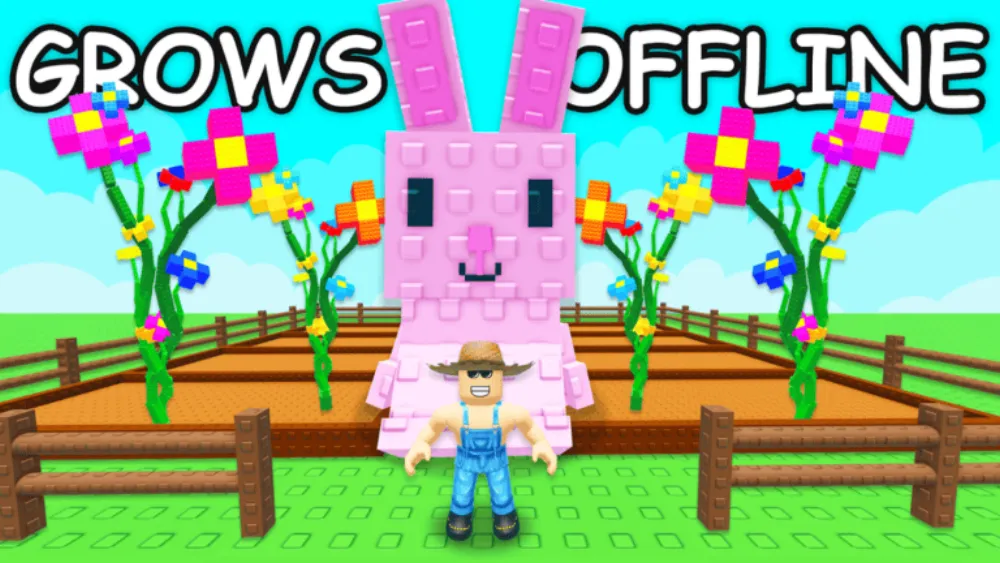
Grow a Garden codes are in a quiet stretch. As of June 11, 2026, two codes redeem cleanly, RDCAward and BEANORLEAVE10, a third, torigate, is borderline, and every reward in the pool is a cosmetic decoration. No code currently grants seeds, Sheckles, or gear, so the second half of this page covers where free rewards actually come from in this game.
Working grow a garden codes right now
| Code | Reward | Confidence |
|---|---|---|
| RDCAward | 1x RDC Award trophy cosmetic | Working, listed by the official wiki and multiple community code trackers |
| BEANORLEAVE10 | 1x Green Bean Chamber cosmetic | Working, the same sources agree |
| torigate | 1x Whispering Torii (red Japanese gate) | Borderline, the official wiki and some trackers list it active; others mark it expired |
The official Grow a Garden wiki last overhauled its codes page in April 2026 and still carries all three. Since torigate costs nothing to attempt, type it in anyway, worst case the game rejects it and you have lost five seconds.
RDCAward arrived in September 2025 to mark the game’s Roblox Developers Conference award, which tells you the cadence here: new grow a garden codes show up when the developers have a milestone to celebrate, not on a weekly schedule.
How to redeem grow a garden codes
The redemption box lives inside Settings, not in a standalone codes button:
- Open Grow a Garden on Roblox.
- Click the Settings cog in the top-left corner of the screen.
- Scroll down the settings panel until you reach the Redeem Codes section.
- Type the code into the field that says “Type code here…”, copy it exactly as written.
- Hit the green Claim button.
Cosmetic rewards land in your cosmetics inventory rather than your backpack, so if a redeemed gate or chamber seems to have vanished, check there before assuming the code failed.
Expired grow a garden codes
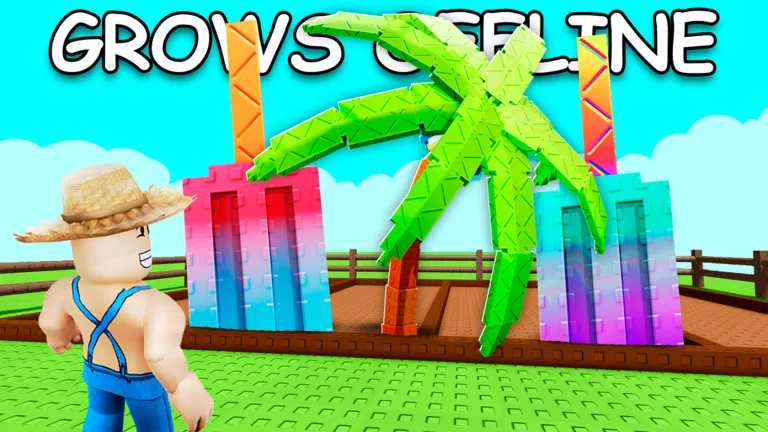
LUNARGLOW10 is the most recent confirmed expiry, it granted 3x Basic Seed Pack and 1x Exotic Bug Egg during the Lunar Glow event and no longer redeems. Trackers also list older event codes as dead, including BIZZY25 and BEES10 from the Bizzy Bees era, and the developers have not re-run old codes so far.
Notice what LUNARGLOW10 was: the one recent code that gave gameplay items rather than decorations, and it was an event tie-in, the pattern to watch if you want useful freebies.
When do new codes drop?
There is no schedule. Historically, grow a garden codes have appeared around three kinds of moments:
- Admin abuse events, the chaotic developer-run sessions where staff spawn weather and vote on modifiers. PCGamesN notes codes “tend to drop during admin abuse events.”
- Milestones and awards. RDCAward for the RDC 2025 award is the clearest example.
- Major event launches, though not reliably. The early-June 2026 summer Campfire update shipped with no new code attached.
If you want to hear about a new code within hours instead of weeks, the Grow a Garden Discord server and The Garden Game Roblox group are where announcements land first. One practical note: any video promising seed, pet, or Sheckle codes that are not on the wiki’s short list is recycling expired codes or covering a different farming game, the live pool is three cosmetics, nothing more.
How free rewards actually work in Grow a Garden
Since grow a garden codes are cosmetic-only, the real free-reward loops are in-game systems:
Daily quests. You get three quests every 24 hours, checked through the Garden Guide. Tasks are simple, harvest 25 blueberries, plant 12 corn seeds, earn 25,000 Sheckles, stay in the game for 15 minutes, and completing all three pays out a reward. This is the quickest free-reward route in the game.
Weather. Every server runs the same weather at the same time, and weather is a reward engine: Rain speeds crop growth by 50% with a 50% chance to apply the Wet mutation, while Frost can apply Chilled or Frozen. Mutations multiply a crop’s sale value, and some weathers drop exclusive seeds and pets, like Woody or the Chicken Zombie.
Events. Seasonal events bring their own shops and reward tracks. Lunar Glow ran a Sheckle-funded reward track, and earlier events like Beanstalk and Easter had dedicated shops. Event grinding beats waiting for codes by a wide margin.
Friends. Each friend in your server grants a +10% Sheckle boost, stacking to 40%. Farming in a full friend server is a permanent, free income multiplier.
Sheckles and the seed economy basics
Sheckles (the ¢ currency) come from selling crops and pets at the Sell Stuff stand, with side income from certain pets, the Mole digs up Sheckles, and the occasional Sheckle Rain weather. You spend them in the Seed Shop, Gear Shop, and Pet Eggs shop.
The Seed Shop runs on a global stock system that refreshes every 5 minutes, with a Daily Deals section refreshing every 24 hours. Carrot, Strawberry, Blueberry, and Tomato are always in stock; everything rarer rotates, and the rarer the seed, the less often it appears, so check the shop on the 5-minute tick when you are saving for something rare.
To work out which crops actually return the most per Sheckle invested, including how mutations change the math, run your numbers through our Grow a Garden crop profit calculator. Pair it with the Grow a Garden hub for the rest of our coverage.
Progression tips that don’t need codes
- Clear all three daily quests before anything else; they reward you for farming you would do anyway.
- Hold valuable crops unharvested when Rain or Frost is active, a mutated harvest sells for a multiple of the base price.
- Recruit friends into your server before long selling sessions; the stacking Sheckle boost applies to everything you sell.
- Watch Daily Deals once per day for rotating seeds you could not otherwise buy.
- Treat admin abuse events as double opportunities: weather mutations during the event, and the best historical odds of a fresh code after it.
If you collect codes across Roblox, our other code pages are worth a bookmark: Adopt Me codes and Adopt Me tier list (game hub), Pet Simulator 99 codes and Pet Simulator 99 tier list, Blox Fruits codes and Blox Fruits tier list (for fruit meta rankings), Bee Swarm Simulator codes, Murder Mystery 2 codes, and Blade Ball codes, or browse the full codes index. For a bonus non-Roblox title on the site, the 007 First Light hub covers IO Interactive’s Bond spy-stealth game on the same daily-verified schedule.
For Roblox farming sims specifically, Build A Ring Farm launched in April 2026 and is worth bookmarking alongside Grow a Garden, see the Build A Ring Farm tier list for pet rankings, and its codes hand out Tropical Seed Packs and Sprays that feed directly into the mutation system. Grow a Garden’s sequel is also live with its own code system, Grow a Garden 2 codes lists the current verified codes for the sequel. For other idle sims with the same offline-accumulate and reinvest structure: Make Hotsauce guide by Stackwork Studios: SPICY applies the grow-harvest-sell loop to pepper farming with mutation breeding as the long-term endgame; Snowcone Stand guide runs a blend-and-serve idle business with offline blenders and a timing skill mechanic; Drain the Lake guide by IWTM10GTMPLS tasks you with draining an entire lake bucket by bucket, the same check-in-and-reinvest loop in a completely different wrapper.
Grow a Garden codes FAQ
How many grow a garden codes are active right now?
Two confirmed. RDCAward and BEANORLEAVE10, plus torigate, which the official wiki and some community code trackers still list as working while others mark it expired. All three are free to attempt.
Does torigate still work?
Sources disagree: the official wiki’s April 2026 overhaul and some community code trackers keep it active, while others retired it. Try it; an invalid code costs you nothing.
Do grow a garden codes give seeds or Sheckles?
Not currently. Every active code rewards a decoration cosmetic. The last code with gameplay items was LUNARGLOW10 (seed packs and a bug egg), which has expired. For seeds and Sheckles, daily quests, weather mutations, and event shops are the real sources.
Where are new codes announced first?
The official Grow a Garden Discord and The Garden Game Roblox group. Codes have historically dropped around admin abuse events and milestones like the RDC 2025 award rather than on a schedule.
Why does such a big game have so few codes?
The developers lean on in-game systems, daily quests, weather events, seasonal reward tracks, instead of code giveaways. Codes exist mostly as celebration markers, which is why the current pool is three cosmetics.
Last verified: June 11, 2026.
![[CURSED] Anime Astral Simulator Tier List cover](/article-covers/anime-astral-simulator-tier-list.webp)